
SOFOS 360
Create or adjust organization
If you choose to adjust your own organization on first use, you can follow the following steps.
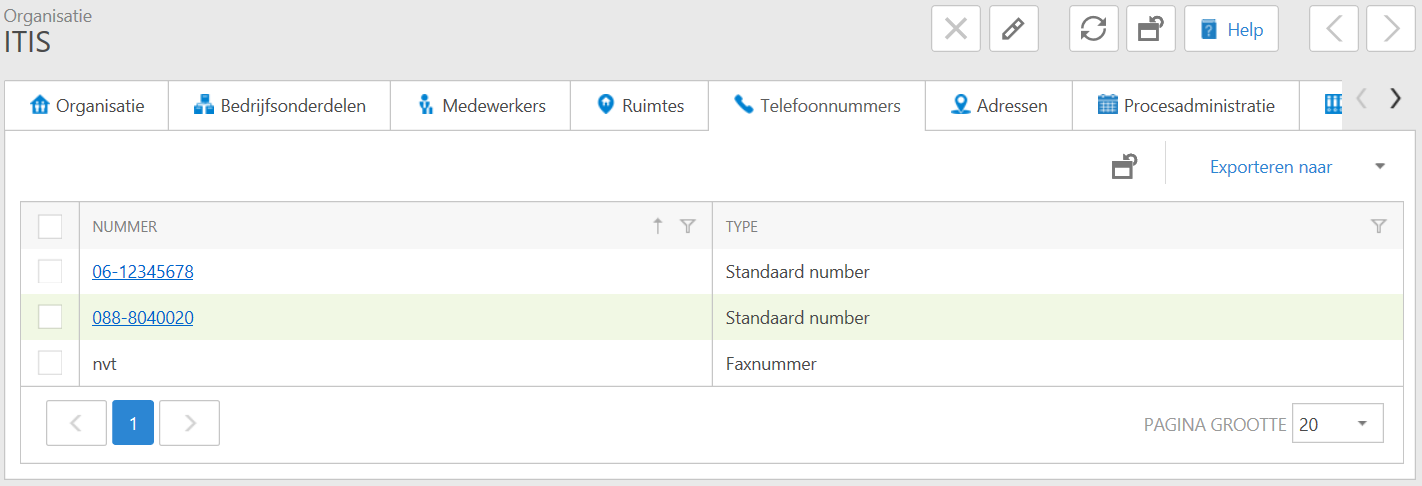
Go to the 'Own Organization' > module; Organizations > Organization. To change the data listed below, click the Edit-icon in the top right. On the left you will see the text 'New' appear and - if there is already input - for the Recordrecord a change icon.

You can easily add a phone number by clicking on the text 'New' on the left.
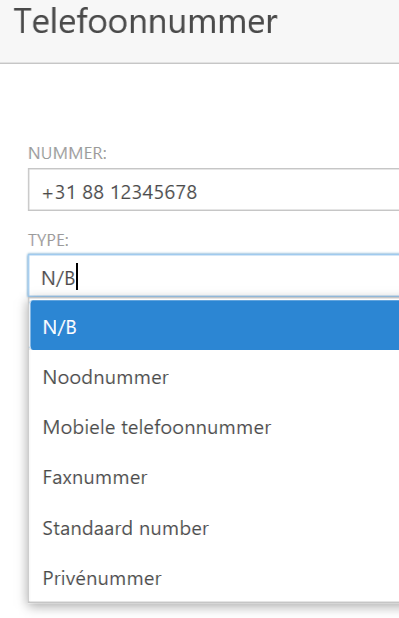
A new window opens. Type the number in the format that is customary at your company, for example 088-12345678 or +31 88 12345678. Then make a choice from the 'Type' list by clicking on the black arrow () right click and confirm your entry with OK.
Your telephone number has now been added. If you want to add more phone numbers, repeat this process as often as necessary.
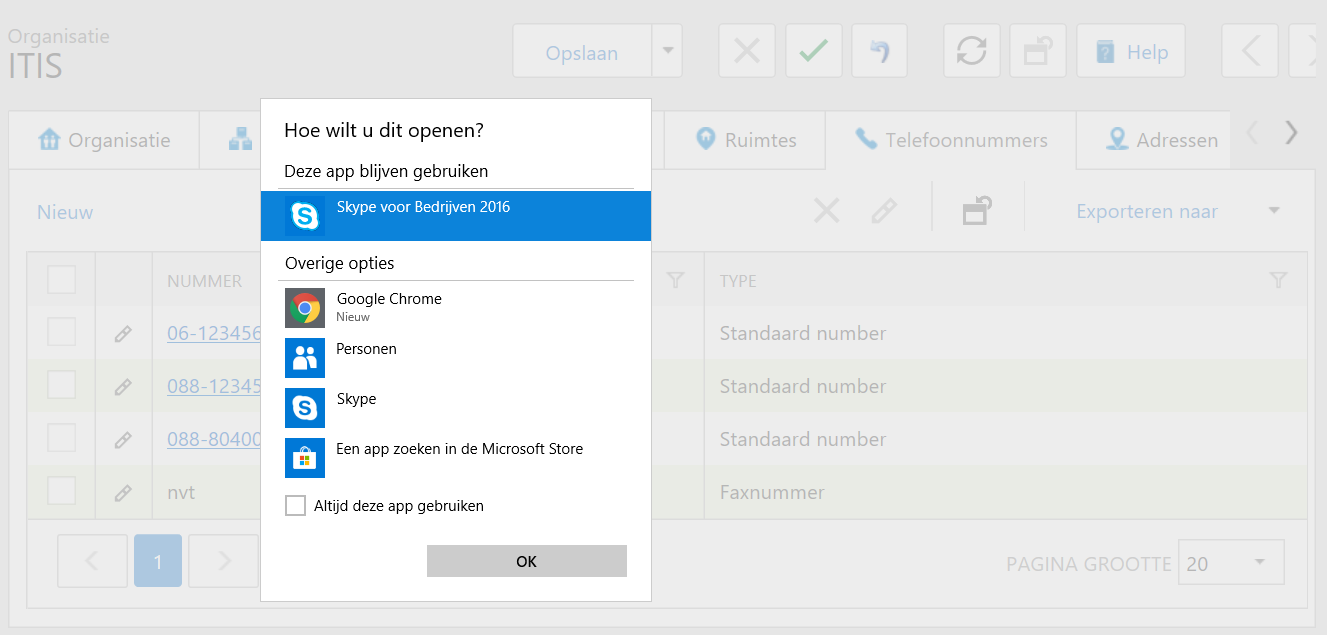
If you choose the format 088-12345678, the telephone number will be clickable. If your telephone exchange is set up in such a way that you can make calls from your PC or laptop, you only have to click on the telephone number and choose the preferred program, for example Skype, to start a conversation.
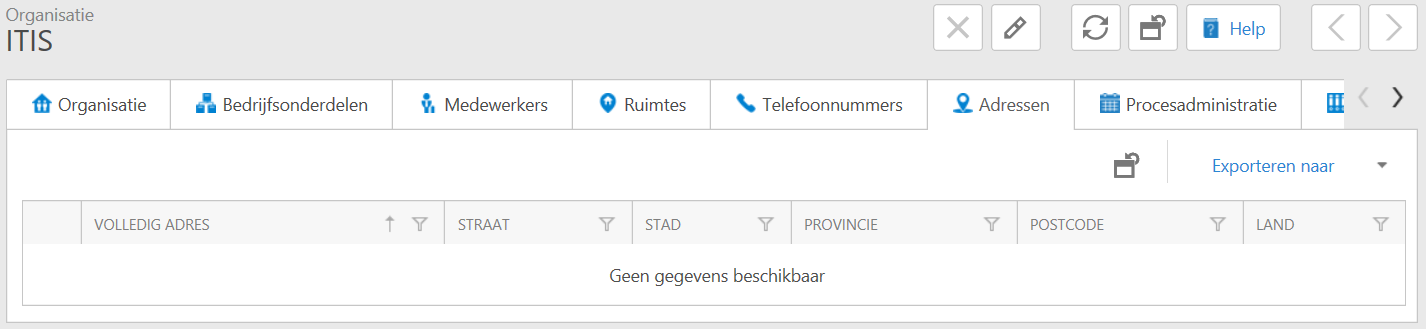
Your organization is now ready to be used. If you add business units, employees ,spaces , one or more process administrations and/ or documents, then this is possible. You can also ask the process or document owners for this. They must then have write access in the application.